Your support tickets are telling you something. Sue is listening.
Sue connects to your help desk, reads every ticket, and turns them into a weekly report that tells you what's breaking, what's urgent, and what's about to cost you a customer.
7-day free trial

Sue Porter
Customer Support Insights Agent
sue@vybe.worksCapabilities


Sue Porter
Customer Support Insights Agent
Question 1 of 1
What would you like me to start with?
Open Sue's apps
What Sue Porter can do for you
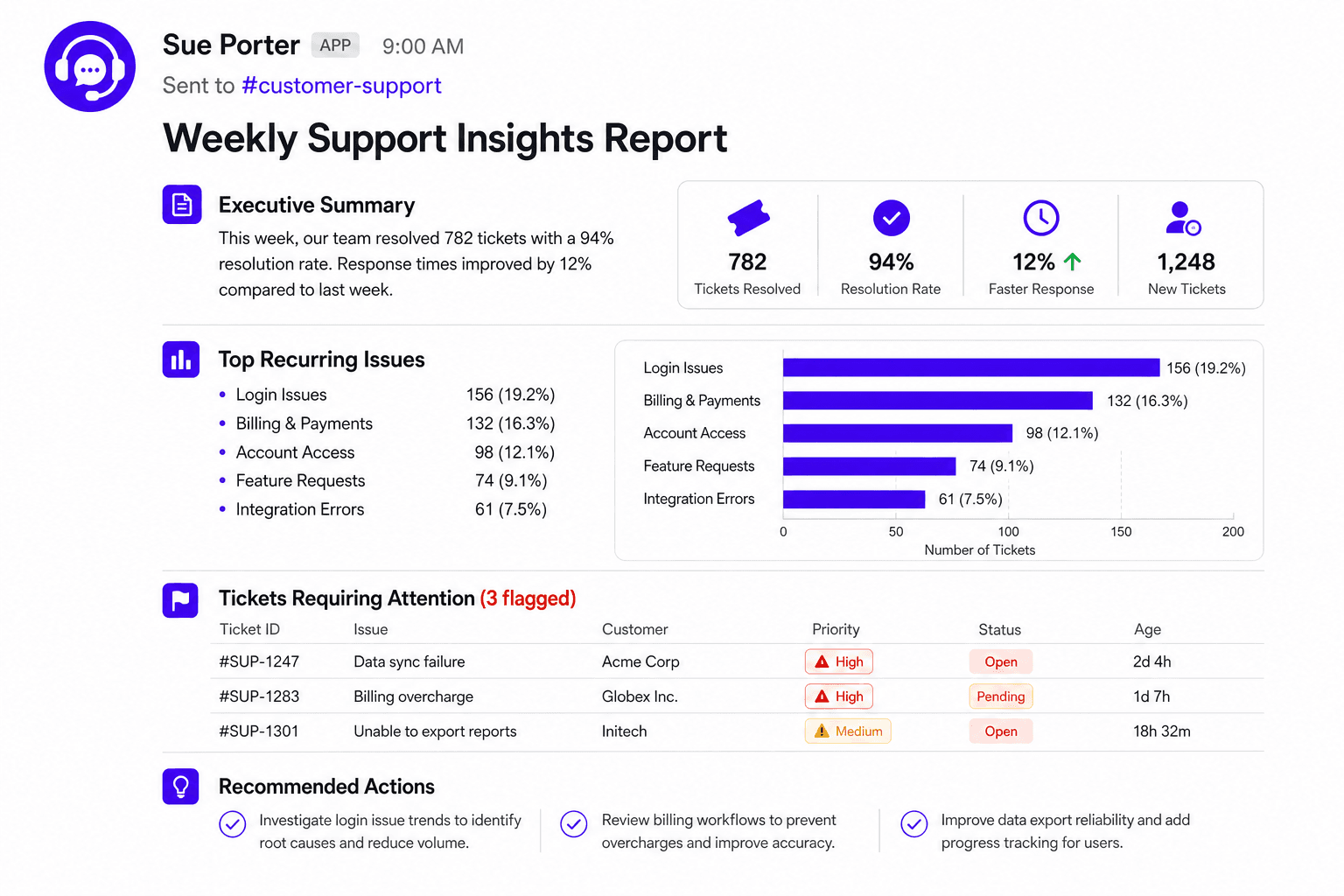
Weekly Support Insights Report
Get a weekly Support Insights report delivered automatically. Sue reviews your support tickets and sends a concise digest covering key trends, recurring issues, and accounts at risk of churn, on the day and channel you choose. This replaces the old in-app "Support Report" tab.
1 / 5
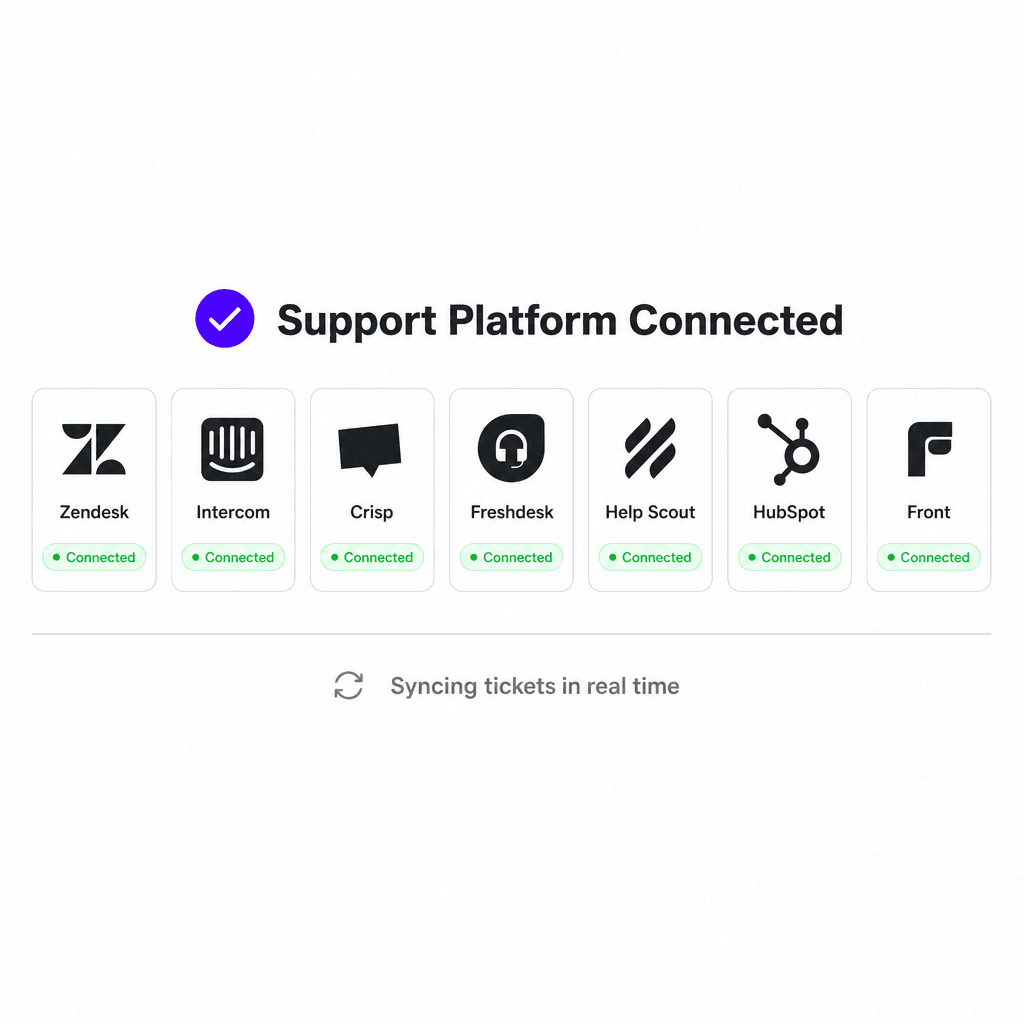
Connect your support platform
Link Zendesk, Intercom, Crisp, Freshdesk, Help Scout, HubSpot, or Front. No migration, no new tool to learn.
Step 01
Connect your support platform
2 / 5
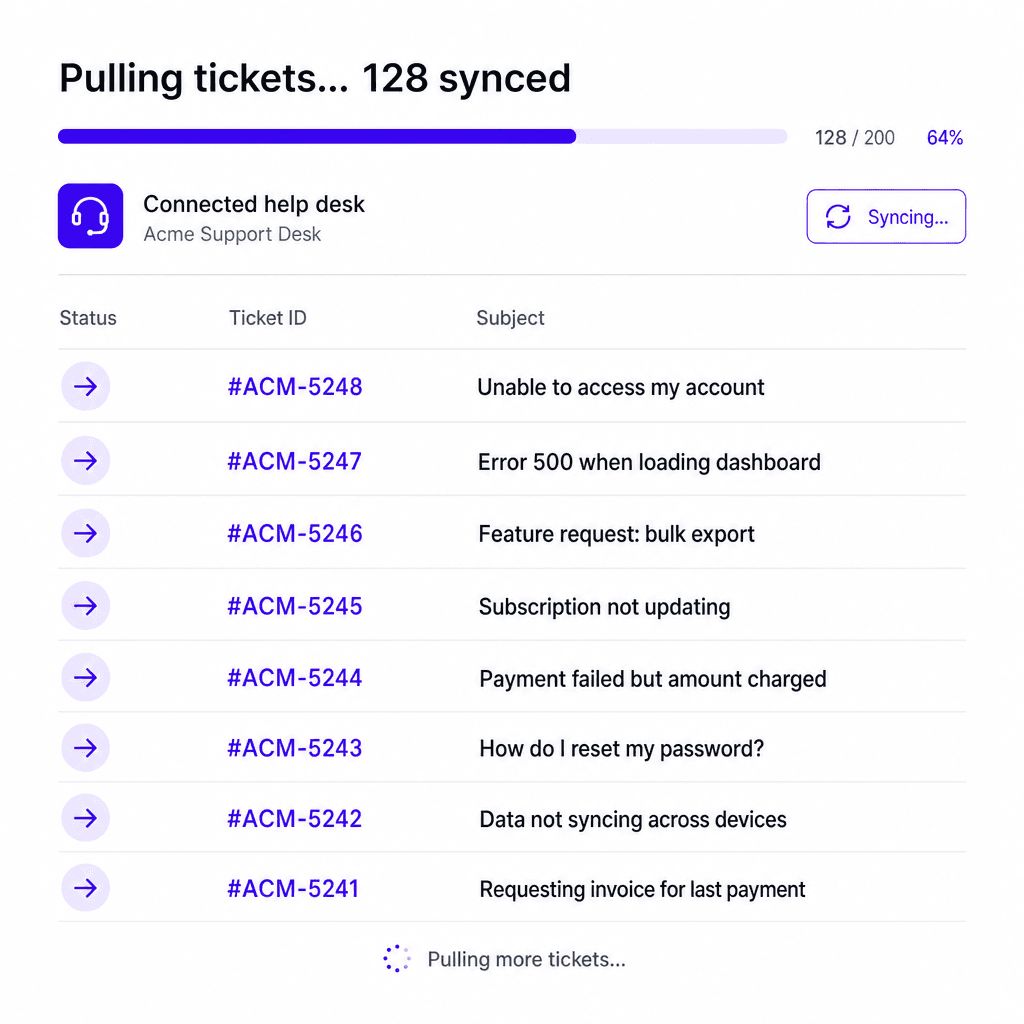
Save the connection in the app
Sue stores the connection so she can pull tickets on her own from here on, no manual exports.
Step 02
Save the connection in the app
3 / 5
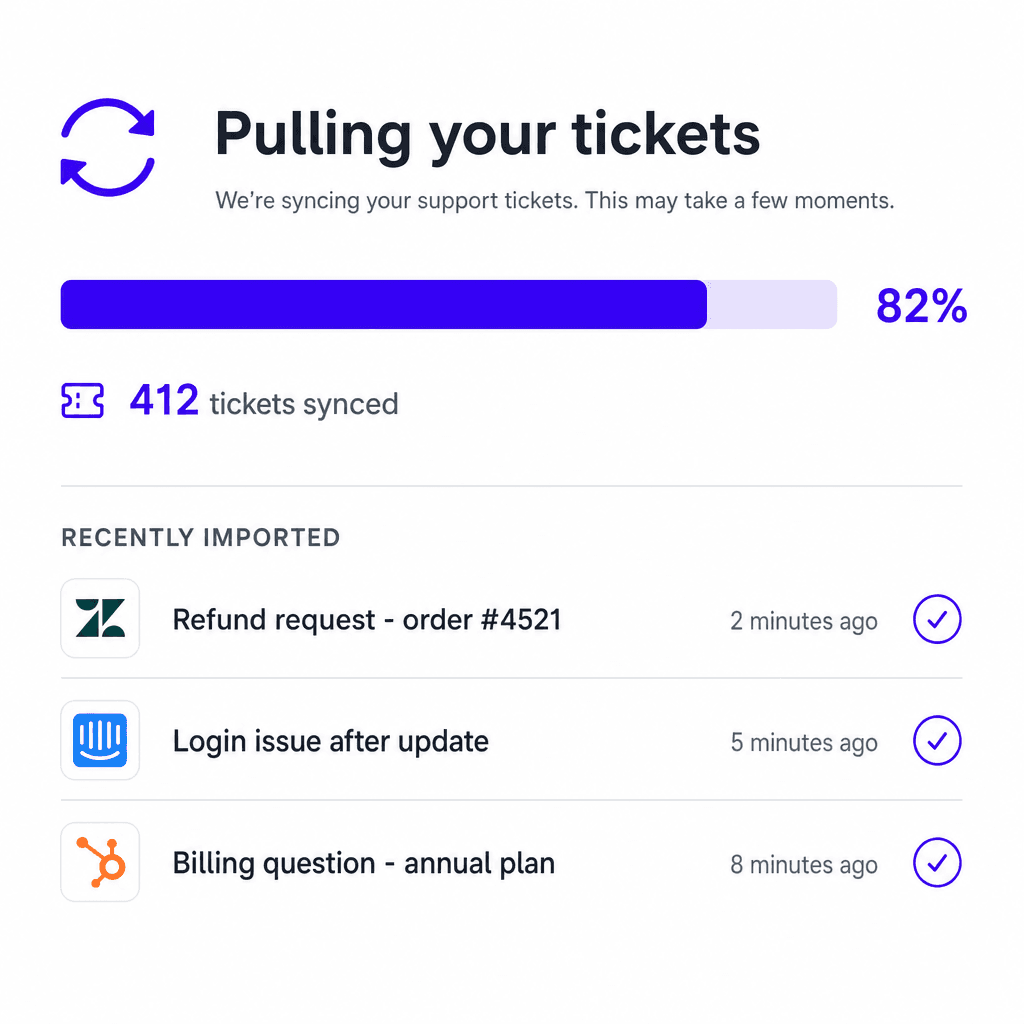
Sync and verify real ticket data
She pulls in your real tickets and confirms the sync actually worked before touching anything else.
Step 03
Sync and verify real ticket data
4 / 5
Generate the first real insights report
Using only that real ticket data, she builds your first Support Insights Report so you can see exactly what she will deliver each week.
Step 04
Generate the first real insights report
5 / 5
Set up automatic delivery
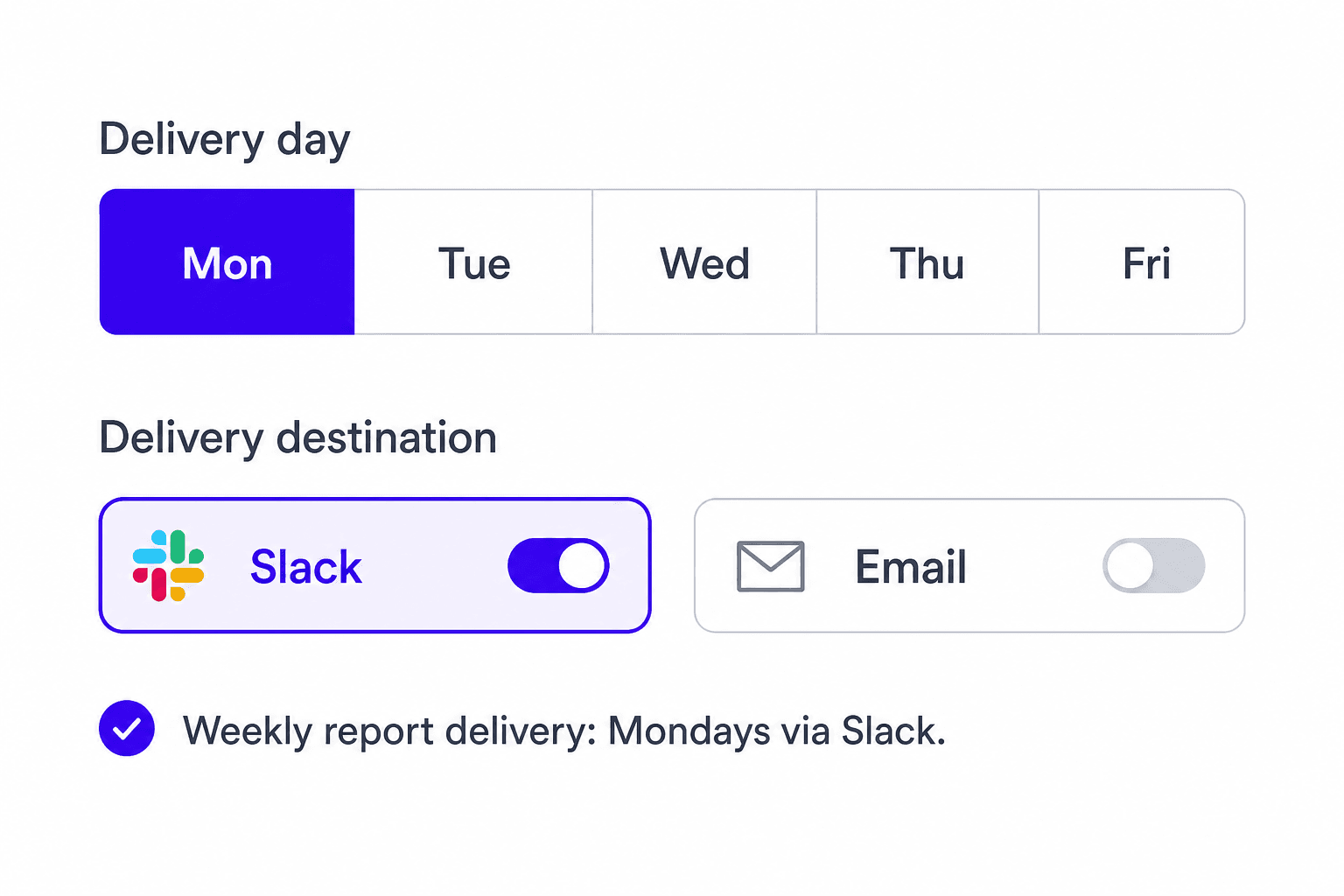
Pick a weekday and where it should land, Slack or email, and she takes it from there every week.
Step 05
Set up automatic delivery
Try Sue Porter for free
Get started with Sue Porter and the rest of the Customer Success team, or customize agents to fit your workflow.
7-day free trial
Meet the rest of the team
Other AI coworkers you can deploy

Mark Etfit
Product Researcher
Product researcher. Joins customer calls, gathers feedbacks / bugs and delivers a weekly report on what your customers need
Capabilities
Apps


Hannah
SEO/GEO Manager
Helps you improve your search engine rankings and AI citations through keyword research and content crafting.
Capabilities
Apps


Megan Post
Social Media Manager
Stay ahead of every trend without lifting a finger. Megan scans TikTok & Instagram, audits your competitors, and fills your content calendar with ideas that actually convert.
Capabilities
Apps

Candi Date
Hiring Assistant
Supports the team hiring efforts: operations and logistics.
Capabilities
Apps


Become an AI native company
AI coworkers and custom apps that run your operations
Vybe, Inc. © 2026